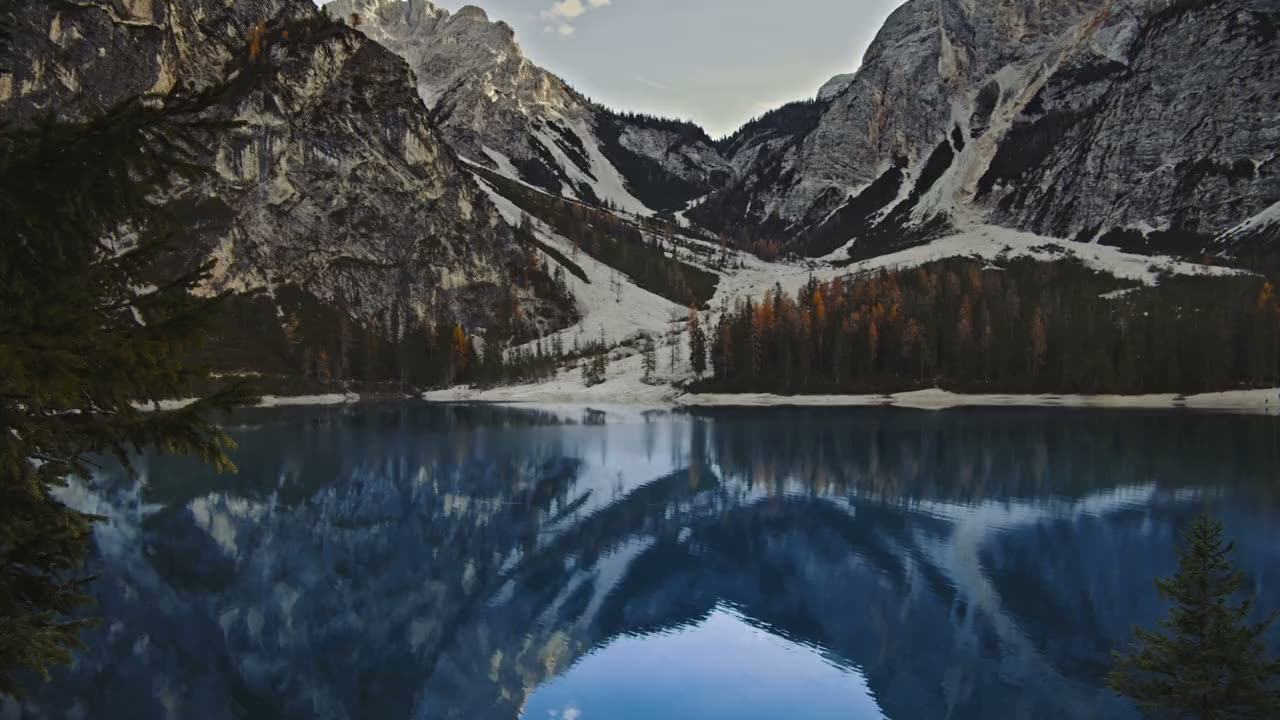
Above the treeline
Still water
Scroll ↓
What is a video burst?
A video burst is a hero video that comes apart as you scroll past it. The video isn't playing in a normal <video> element on the page. It's drawn as a grid of pieces, each one painting its own patch of the current frame. Lined up, the pieces are the video. When you scroll, they let go.
Use the panel in the corner of the demo to switch between seven ways of letting go:
- Burst: small tiles pop into glowing dots that swirl out and drift up.
- Jigsaw: the picture is cut into interlocking puzzle pieces that tip over and fall.
- Droplets: tiles turn into beads of water that stretch as they fall and squash when they land.
- Shatter: cracks run out from a point, and the picture breaks into glass shards.
- Melt: columns of the picture drip down at their own speed.
- Flakes: tiles become paper flakes that flip over and blow away in the wind.
- Vortex: everything spirals into the middle.
Physics on or off
The Physics switch changes how pieces move, not just how far.
Off (scrubbed): each piece's position is worked out from the scroll position alone. Gravity and floor bounces are solved as formulas, so scrolling back up plays everything backwards exactly. Pieces pass through each other.
On (simulated): once the scroll passes a piece's turn, the piece is let go into a small physics world with gravity, wind, air drag, a floor, walls, and collisions with the other loose pieces. Jigsaw pieces, droplets and shards pile up at the bottom. A real pile can't be rewound, so scrolling back up makes each piece fly home instead.
With physics on, loose pieces also shrink a little, as if they're falling away from you. Without that, the pieces would cover exactly the area of the hero and jam into a full stack instead of a pile.
How this video burst works
- Use the video as a texture. A muted, looping
<video>plays off screen. Every frame that changes is uploaded to WebGL. The clip is one slow camera pan, so it was encoded forwards and then backwards: the camera drifts right, glides back, and ends one frame before where it started, so the loop has no visible jump. - Cut the hero into a grid. JavaScript lays a grid of pieces over the canvas and gives each one some random numbers. A small texture holds two more facts per piece: a random seed point for the glass shards, and which way each jigsaw edge bulges.
- Work out every piece, every frame. For each piece, JavaScript decides where it is, how it's rotated and scaled, and how loose it is. With physics off that comes from the scroll position; with physics on it comes from the simulation. All of that goes into one buffer, uploaded once per frame.
- Draw each piece as a point and cut out its shape. Every piece is one WebGL point. The fragment shader undoes the piece's rotation and scale to find where each pixel sits in the resting picture, then decides whether that pixel is inside the piece's shape:
- a square that rounds into a dot or a droplet,
- a jigsaw piece: a square plus a round tab on some edges and a matching round blank on others, so neighbours interlock,
- a glass shard: the set of pixels closer to this piece's seed than to any neighbour's seed (a Voronoi cell).
- Paint it. Inside the shape, the pixel reads the video from where it sat in the resting picture, so a piece carries its own bit of the footage as it moves. Dots and droplets fade to a single colour; droplets get a highlight, shards get bright crack lines, and flakes go grey on their back side.
- Keep the resting picture seamless. Pieces that haven't moved use hard edges, so neighbours meet exactly with no lines between them. Loose pieces are drawn in a second pass on top, with soft edges.
Things to try
- Pick Shatter in the full page demo, set Break from to Click, click somewhere on the hero, then scroll.
- Turn Physics on with Jigsaw or Droplets and scroll all the way down to watch the pile form, then scroll back up.
- Turn Wind up with Flakes, or set Twist negative on Vortex to spin the other way.
- Make Piece size small with Jigsaw for a 1000-piece puzzle.
With reduced motion turned on, the video holds on its first frame and loose dots don't flutter. Scrolling still takes the picture apart, since you're the one moving it.
Related
Scroll Reel Morph is another scroll-driven WebGL video: a cover that folds into a mini player. Text to Particles does the opposite with the 2D canvas, gathering loose particles into words.